
Create images and video with AI
Describe what you have in mind, or upload an image or a video. Get images, loops and film clips with sound, in iPhone format if you like.
Made with x1s.ai
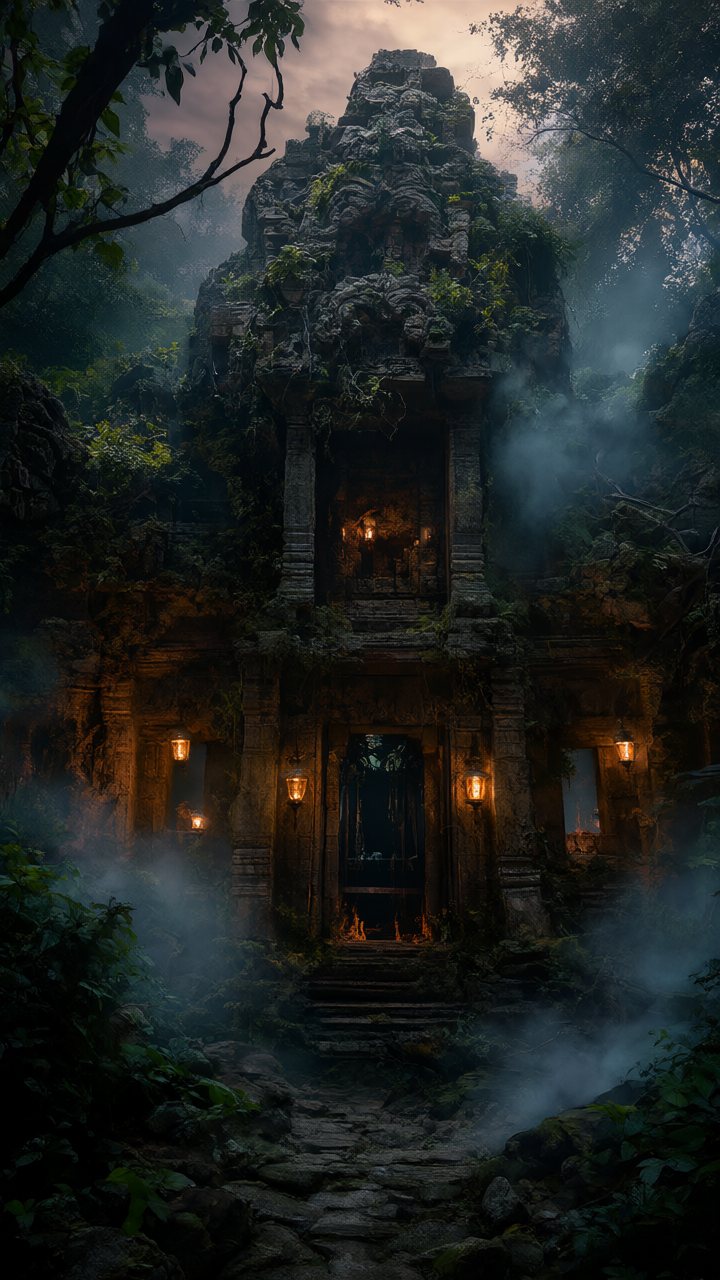
Every image here was made from a simple text description. Videos are made the same way, with sound.





What can it do?
Nine tools in one: from simple images to video with sound.
Text → image
Create an image from a description.
Edit and replace
Change an image with an instruction, or swap something using a reference image.
Remove background
Cut out the subject as a PNG with a transparent background.
Text → video
Video with sound straight from a description.
Image → video
Bring a still image to life with motion.
Loop
Seamless loops where the clip ends where it begins.
From → to
Let AI create the motion between two images.
References → video
Use your own people, objects and style in a new scene.
Person → new scene
Keep a person from a video and place them in a new scene.
How it works
Three steps from idea to finished file.
Choose what to make
Image or video, and pick Portrait, Landscape or Original.
Describe or upload
Write a description, or upload images and videos as a starting point.
Get the result
Follow the progress and download. Everything is kept until you delete it yourself.
The app is private
x1s.ai runs on its own machine and is open only to people who are connected to Tailscale and have been given access. When you are connected, the “Open the app” button on this page becomes active.